
- Qualcomm Launches Snapdragon 4 Gen 2 Mobile Platform
- AMD Launches Ryzen PRO 7000 Series Mobile & Desktop Platform
- Intel Launches Sleek Single-Slot Arc Pro A60 Workstation Graphics Card
- NVIDIA Announces Latest Ada Lovelace Additions: GeForce RTX 4060 Ti & RTX 4060
- Maxon Redshift With AMD Radeon GPU Rendering Support Now Available

Social & RSS Feeds
Latest Videos



Latest News
Recent Content
-

Maxon Cinebench 2024 & Redshift GPU Rendering Performance
Maxon has recently rolled out major updates to both its Cinebench and Redshift products, so we wanted to take a fresh look at GPU rendering performance in each with the help of AMD’s and NVIDIA’s current product stacks. While Redshift recently gained support for AMD Radeon, Intel, with its Arc series, becomes the odd one out.
October 2, 2023 | Rob Williams | Graphics & Displays -
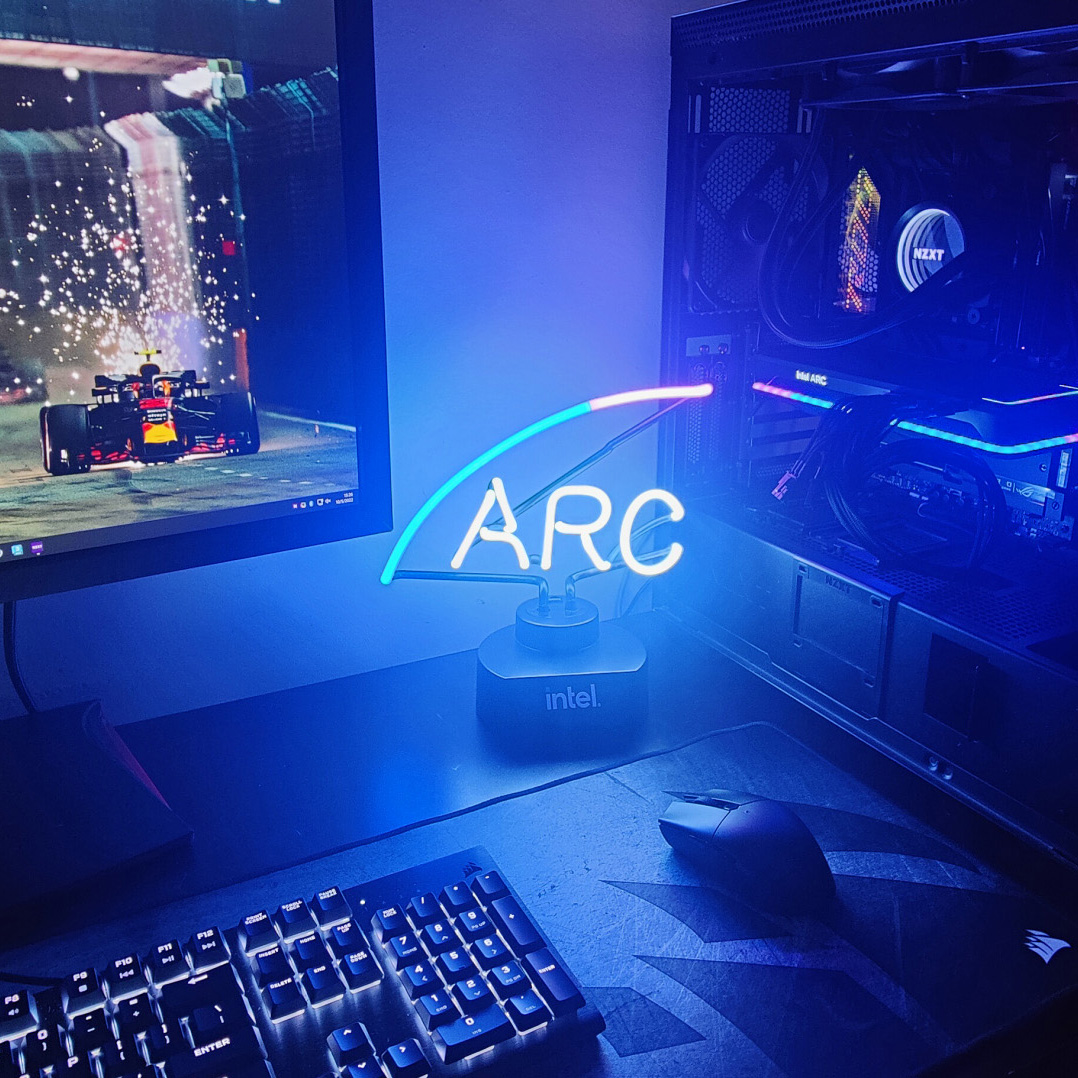
Intel Arc Graphics Update: Boosted DX 11 Performance, Overhauled PresentMon
In its latest quarterly Arc graphics update, Intel has released a new driver which can boost performance in DirectX 11 titles upwards of 19%. It also released a revamped version of its popular PresentMon performance analyzing tool, adding a valuable new metric to gauge how busy your GPU is keeping relative to the frametimes.
August 22, 2023 | Rob Williams | Graphics & Displays -

Blender 3.6 Performance Deep-dive: GPU Rendering & Viewport Performance
Blender 3.6 has recently launched, and from a performance perspective, it’s one of the biggest releases in a while. Both AMD and Intel gain ray tracing acceleration to render your scene faster, and other subtle improvements have been made as well, including the speed of viewport shader compiling. Let’s dig in!
July 26, 2023 | Rob Williams | Graphics & Displays -
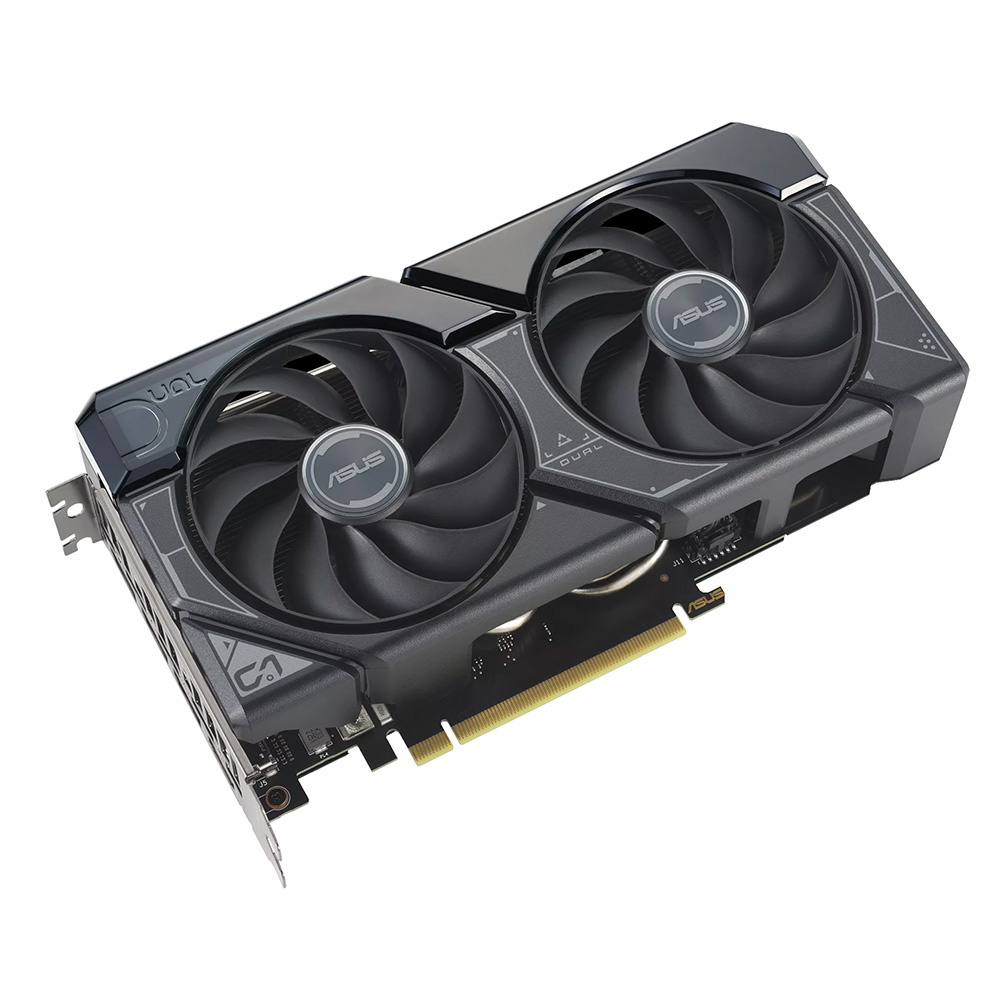
A Look At NVIDIA’s GeForce RTX 4060 8GB Rendering Performance
The latest entrant to join NVIDIA’s Ada Lovelace GeForce lineup is the RTX 4060. Priced at $299, the 8GB RTX 4060 targets those who’ve been waiting to upgrade from one of the predecessor cards, and wants to take advantage of the latest GeForce feature set – including niceties such as DLSS 3.
June 28, 2023 | Rob Williams | Graphics & Displays -

Logitech MX Mechanical Keyboard & MX Master 3S Mouse Review
Logitech’s MX Master series of peripherals have long been well-regarded for their high-quality design, and excellent feature sets. In this review, we’re taking a look at some of the latest MX Master options: the wireless MX Mechanical keyboard, and (also wireless) MX Master 3S mouse.
June 12, 2023 | Tom Roeder | Peripherals -
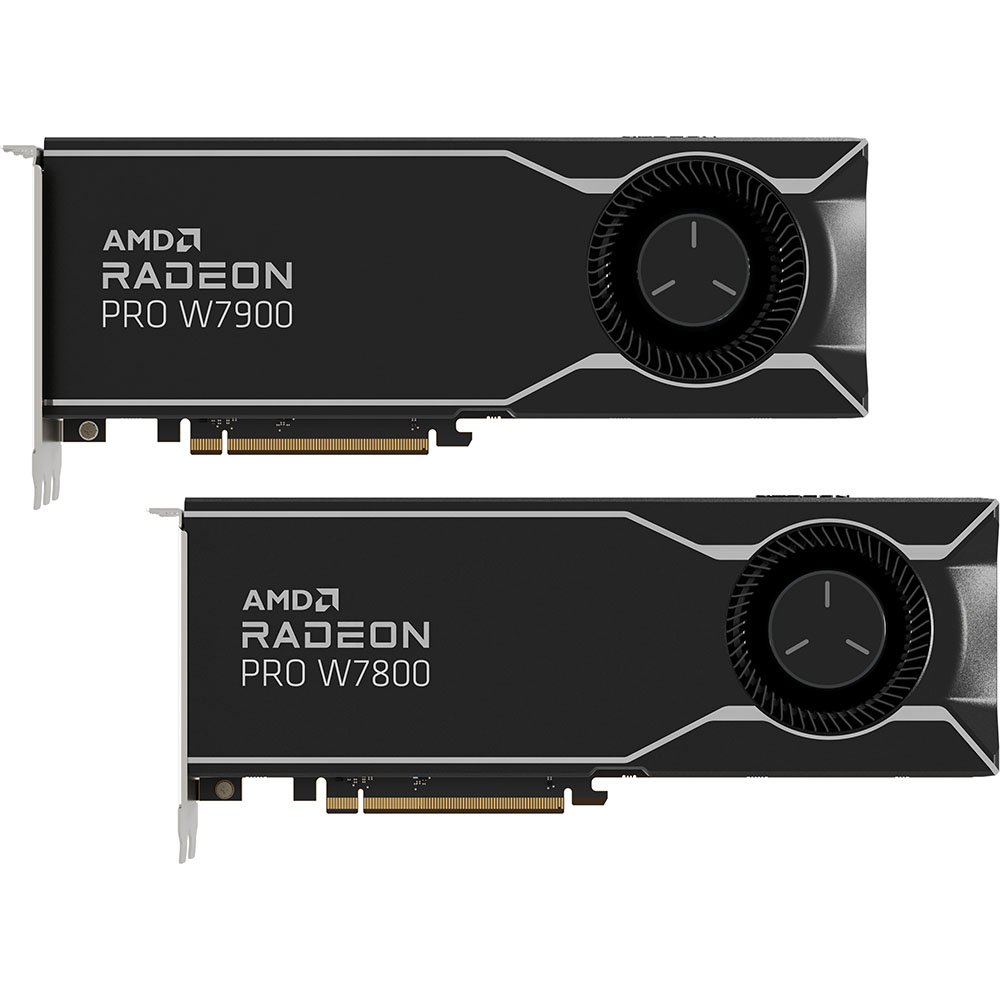
AMD Radeon PRO W7800 & W7900 Workstation Performance Review
AMD’s Radeon PRO series of workstation GPUs has just been augmented with the first models infused with the company’s RDNA3 architecture. We’re taking a look at the high-end 32GB Radeon PRO W7800, as well as the even higher-end 48GB Radeon PRO W7900, across a wide-range of production workloads.
May 26, 2023 | Rob Williams | Graphics & Displays
Tech News
Qualcomm Launches Snapdragon 4 Gen 2 Mobile Platform

Qualcomm has today launched the newest iteration of its entry-level mobile SoC: Snapdragon 4 Gen 2. With Snapdragon 4 Gen 1 having launched just last September (alongside Snapdragon 6 Gen 2), this latest release might be one of the quickest successive launches we’ve seen from the company. Snapdragon 4 caters to users…..
June 26, 2023 | Rob WilliamsAMD Launches Ryzen PRO 7000 Series Mobile & Desktop Platform

AMD has today announced the launch of its latest generation Ryzen PRO desktop and notebook platform, featuring Ryzen PRO 7040 processors. This launch brings the Zen 4 architecture to AMD’s business-oriented Ryzen platform, providing more performance, better efficiency, improved battery-life, and the introduction of the Ryzen AI engine. Recent years have proven…..
June 13, 2023 | Rob WilliamsIntel Launches Sleek Single-Slot Arc Pro A60 Workstation Graphics Card
We’re a little late on covering this one, but wanted to make sure we did, because for multiple reasons, it’s an interesting launch. Up to this point, we haven’t heard too much about Intel’s Arc Pro series, aimed at workstation, despite two models having been available since last year. Today, a third…..
June 12, 2023 | Rob WilliamsNVIDIA Announces Latest Ada Lovelace Additions: GeForce RTX 4060 Ti & RTX 4060
In the seven months since NVIDIA launched its first Ada Lovelace-based GeForce, we’ve seen the release of four models total. With the bottom of that bunch priced at $599, there’s been a ton of demand for more affordable options – and thankfully, we now know that those are arriving soon. Today’s launch…..
May 18, 2023 | Rob WilliamsMaxon Redshift With AMD Radeon GPU Rendering Support Now Available

Last spring, Maxon announced that its popular Redshift renderer would be gaining support for AMD’s Radeon graphics cards. As with some competing engines (eg: Chaos V-Ray), most of Redshift’s existence has revolved around NVIDIA’s CUDA API, which of course means an NVIDIA GPU was required for use. Ahead of the AMD GPU…..
May 15, 2023 | Rob WilliamsAMD Launches High-end RDNA3 Radeon PRO W7800 & W7900 Workstation GPUs
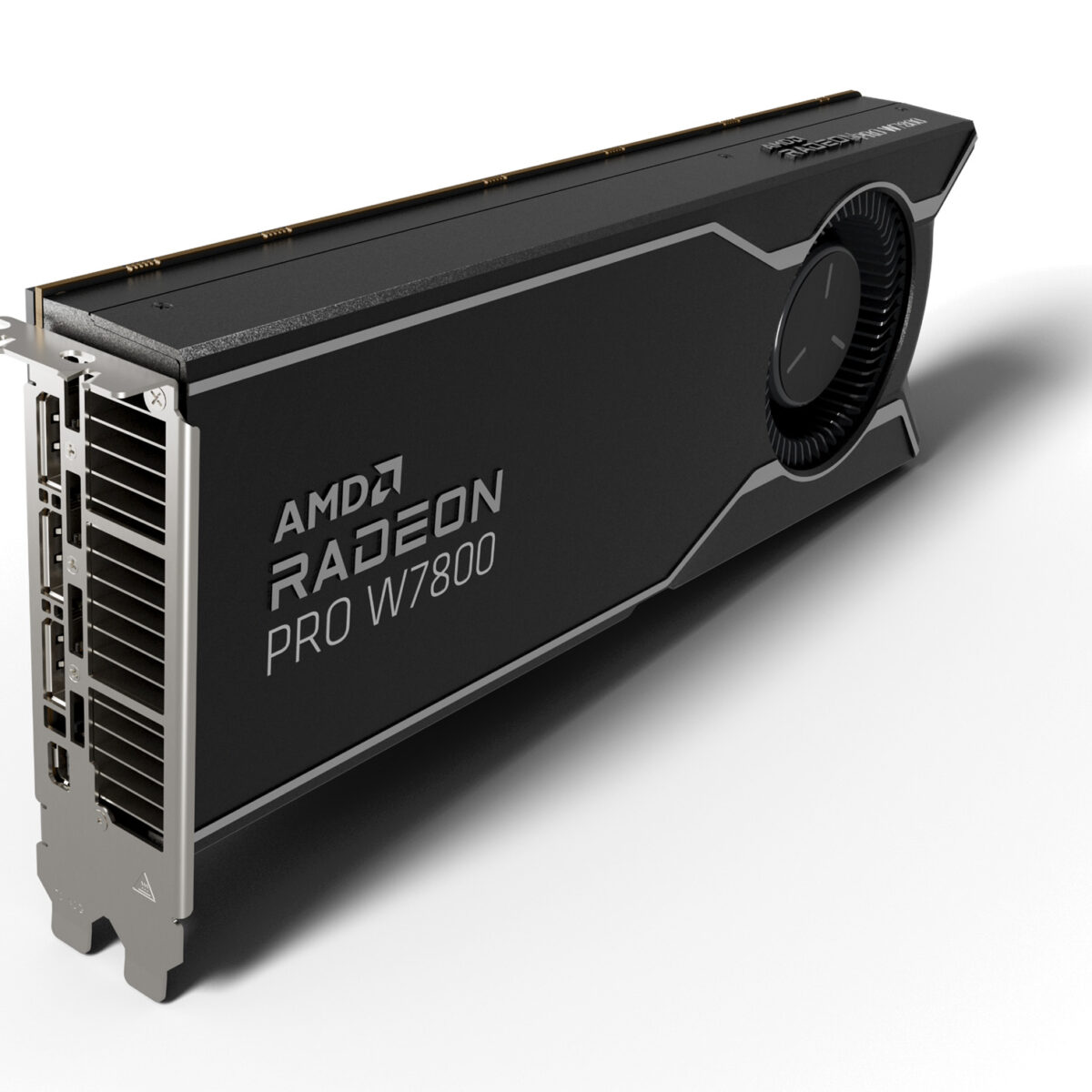
AMD has today announced its newest Radeon PRO workstation GPU series, with models built around its current generation RDNA3 architecture. While AMD could have launched this Radeon PRO W7000 with some modest models, it’s instead decided to make a statement with two top-end SKUs that don’t cater just to “heavy” workloads, but…..
April 13, 2023 | Rob WilliamsBlender 3.5 Released: Adds New Geometry Nodes, Augments Viewport & Improves Lights

The latest version of Blender has just released, and as we’ve come to expect, there’s a lot to take in, despite the previous version releasing just a mere three months ago. Key focuses here include hair- and fur-based Geometry Nodes, built-in assets (yes, you’re reading that right), support for vector displacement maps…..
March 29, 2023 | Rob WilliamsNVIDIA Unveils Six Ada Lovelace-based Professional GPUs At GTC 2023

NVIDIA’s latest (and still virtual) GTC has just kicked-off, and without wasting a single second, the company’s unveiled lots to talk about, with large focuses on proviz, healthcare, automotive, robotics, and lithography. For this post, we’re going to focus on what gets us (and much of our audience) the most excited: professional…..
March 21, 2023 | Rob WilliamsAMD Announces Pricing And Availability For Its 3D V-Cache-infused Zen 4 SKUs

AMD’s had a pretty busy 2023 so far, especially where CPUs are concerned. At CES, the company announced three 65W Ryzen models, in addition to three others that have been infused with 3D V-Cache. Today, the company has announced both pricing and availability for those latter SKUs (the 65W parts were officially…..
February 1, 2023 | Rob WilliamsIntel Drops Arc A750 Price To $249, Launches Major Driver Update
Intel has been on quite the “journey” since it launched its Arc-series graphics cards last year. While the GPU hardware is really quite good, the state of Arc’s drivers being less-than-ideal was known to pretty much every enthusiast. Fortunately, the company has been on a tear to get bugs fixed and support…..
February 1, 2023 | Rob Williams